Loading...
Loading...
Help & FAQ
Find answers about joining classes, watching recordings, taking quizzes, and accessing your course materials.
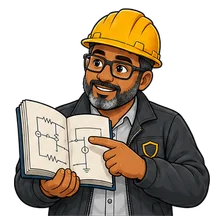
Ted asks. Bob explains. Meet our illustrated learner and security guide.
Live courses run on Zoom or Microsoft Teams, on the class dates shown on the course page.
Bob / OT cybersecurity trainer
In three places: the enrolment email we send when you register, the course page under "Your access", and the course player. The link is the same for every class in your batch.
Every live class is recorded. Recordings stay available for 120 days after your batch's last class.
Bob / OT cybersecurity trainer
In the course player, under your batch's live session panel, listed by class. They are added after each session, usually within a day.
Each course has quizzes tied to its lessons and modules. For a live batch, your trainer decides when they open.
Bob / OT cybersecurity trainer
Your trainer opens them during the training, usually once the relevant material has been covered. Until then they stay hidden. The course page and the player both say whether the quizzes are open for your batch.
Finishing the batch does not close the course.
Bob / OT cybersecurity trainer
Your course materials, lessons and quiz results stay in your dashboard. Recordings stay for 120 days after the last class.
Still stuck?
Write to info@otsec.academy with your course name and batch, or use the contact page.
Class dates and times are shown in IST on the course page, converted to your time zone where we can.